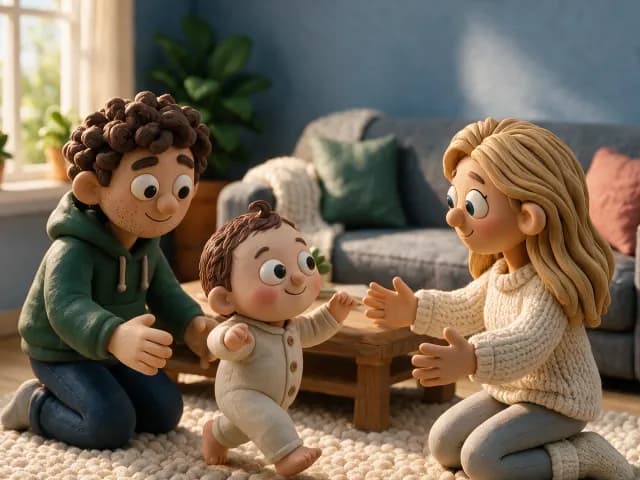
Private by default
No public feed and no ads. Only the people you invite see a moment.
Made in the Netherlands
Stored in the EU · No ads, ever
we moments keeps photos, videos and milestones on one calm timeline, from the first scan onward. Share with both sides of the family, each in its own private space.


Built for parents who would rather keep it in the family
Why we built it

Our first, a boy, was born at the end of September. We wanted one place for his story that wasn’t a public feed, a crowded group chat or a camera roll nobody ever scrolls back through.
So we built a calm, private timeline, stored in Europe, where both sides of the family can follow along and nobody else can. It starts at the first scan, which is where ours started too.
One timeline
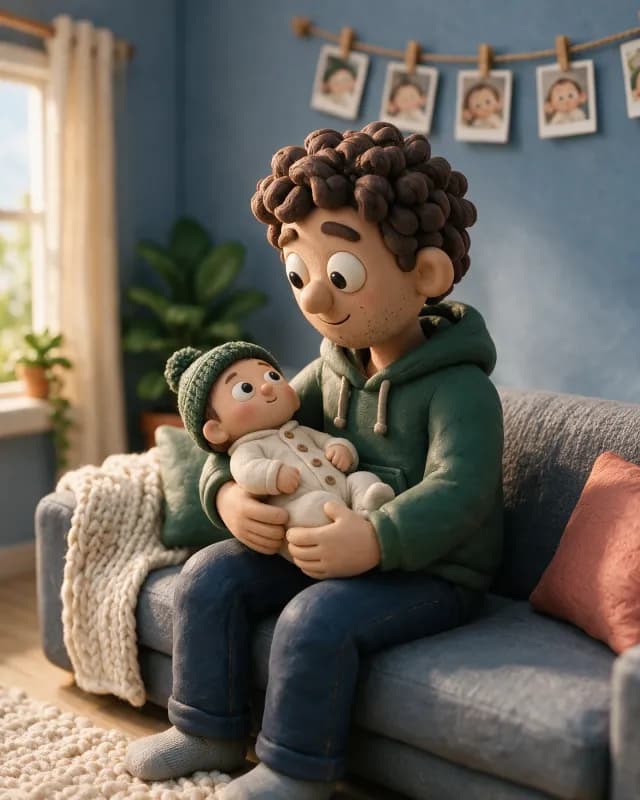
Every moment lands in order, stamped with how old they were. Nothing to sort, nothing to scroll past.

Features
Your photos and data are stored in the European Union and only travel over an encrypted connection. Export or delete all of it, any time, right from the app.
No public feed and no ads. Only the people you invite see a moment.
Mum’s side and dad’s side, each with its own likes and comments.
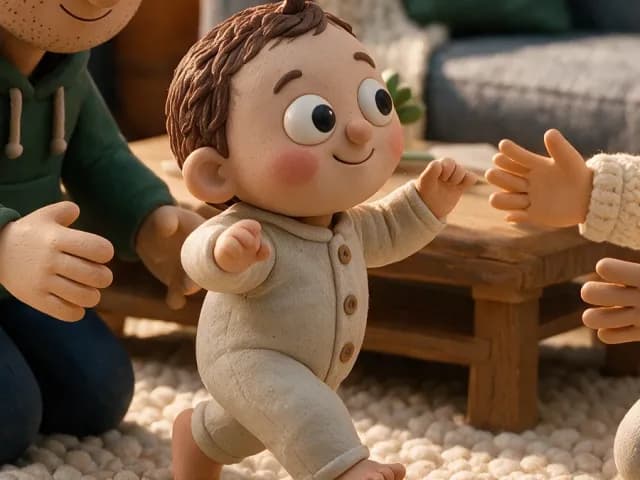
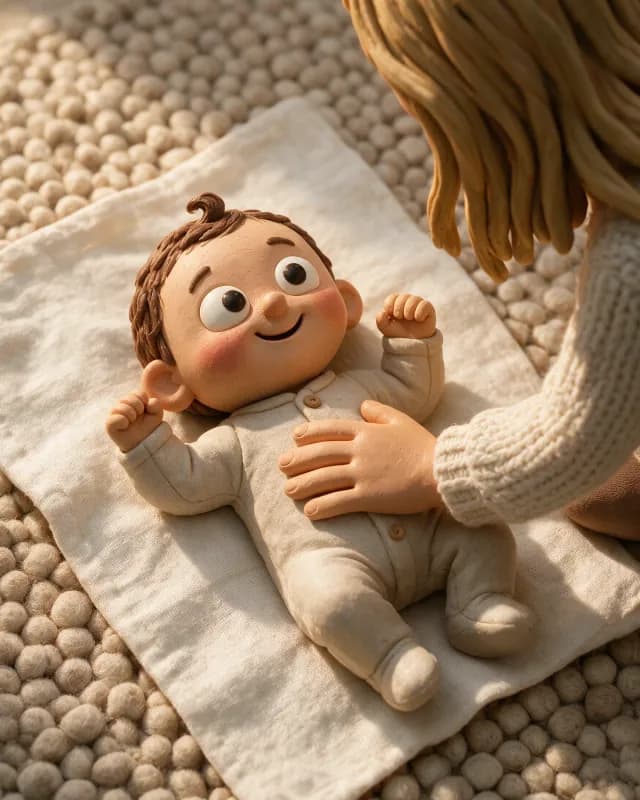
we moments follows your pregnancy week by week, then switches to your baby’s age on the day they’re born. One timeline, from the first scan to the first steps and beyond.
Photos, a video or a few words, and the family gets a gentle nudge.
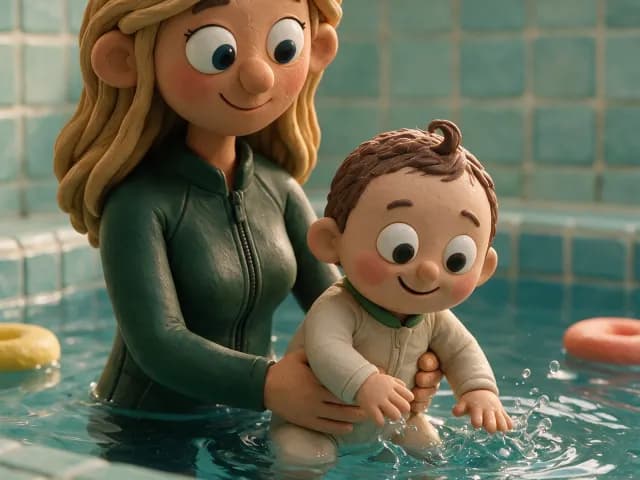
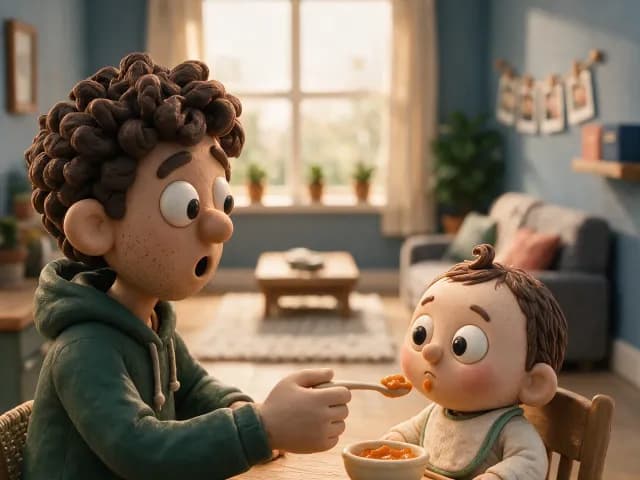
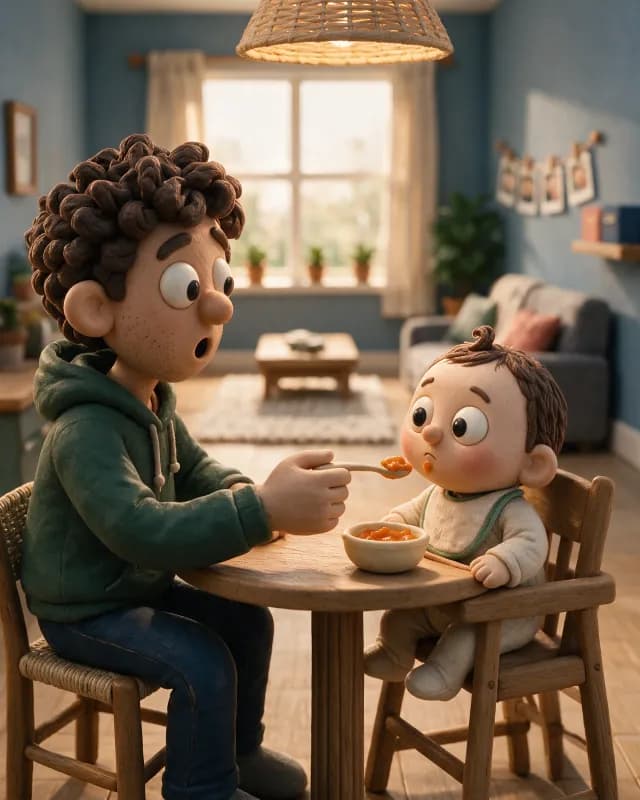
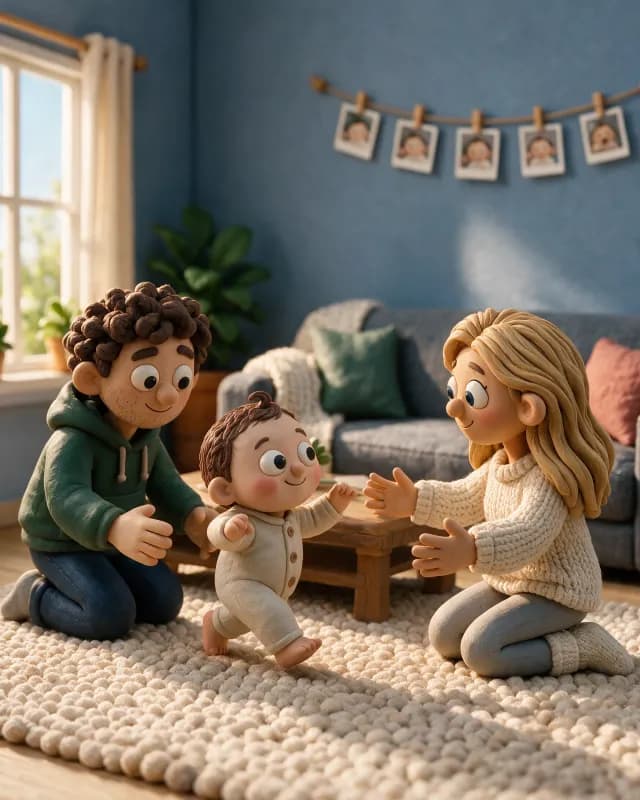
First smile, first steps, or your own. Tag a moment to log it.
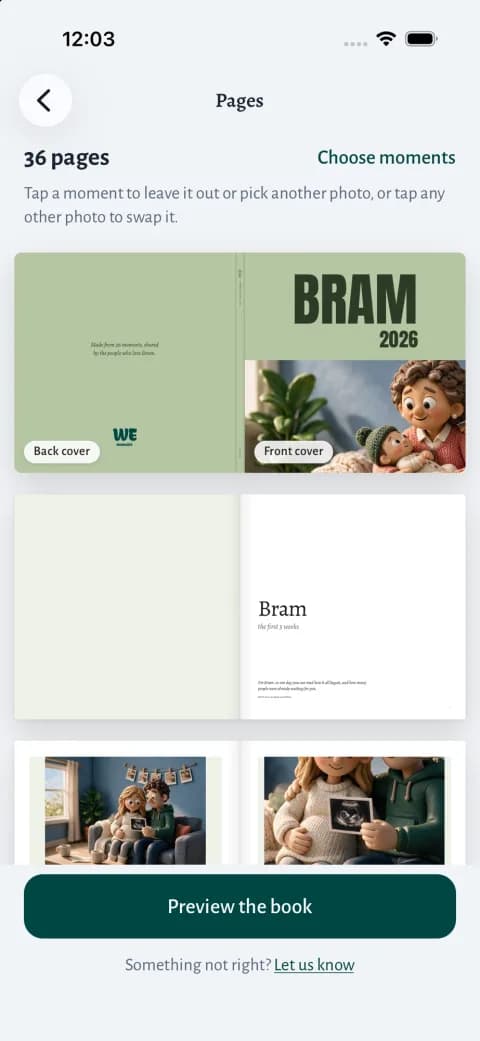
Turn a stretch of time into a hardcover book, with the photos, the milestones and what the family wrote. From €49.95 for 24 pages, including shipping.
Benefits
Every photo, video and note in one quiet stream.
Invite your partner as a co-owner of everything.
A separate space for each side of the family.
A quiet nudge when a loved one likes or comments.
Export or delete everything, right from the app.
The whole app in both languages, fully equal.
How it works
Step 1
Enter a due date or a birthday and we do the maths. “22 weeks pregnant” turns into “Newborn” on its own, the day they arrive, and counts up from there.
Step 2
Add your partner as co-owner and the grandparents as followers. When you want each side of the family apart, give them their own private group.
Step 3
Snap, film or write a few words. That is all it takes: everything below it is already set the way most moments want it.
Step 4
More than one child? Tick whoever is in it. The moment lands on the right timeline, or on both when it is one of them together.
Step 5
Your family always sees it. Tick the groups that get it too: the grandparents, the other side of the family, friends. Tick nothing and it stays inside the family.
Step 6
One tap and it lands in order, stamped with how old they were. Everyone you picked sees it in their own timeline, and nobody else can find it.
Step 7
What you share can become a hardcover photo book. Pick a cover and look it over: the moments, milestones and comments are already in it. From €49.95 for 24 pages, including shipping.
For families
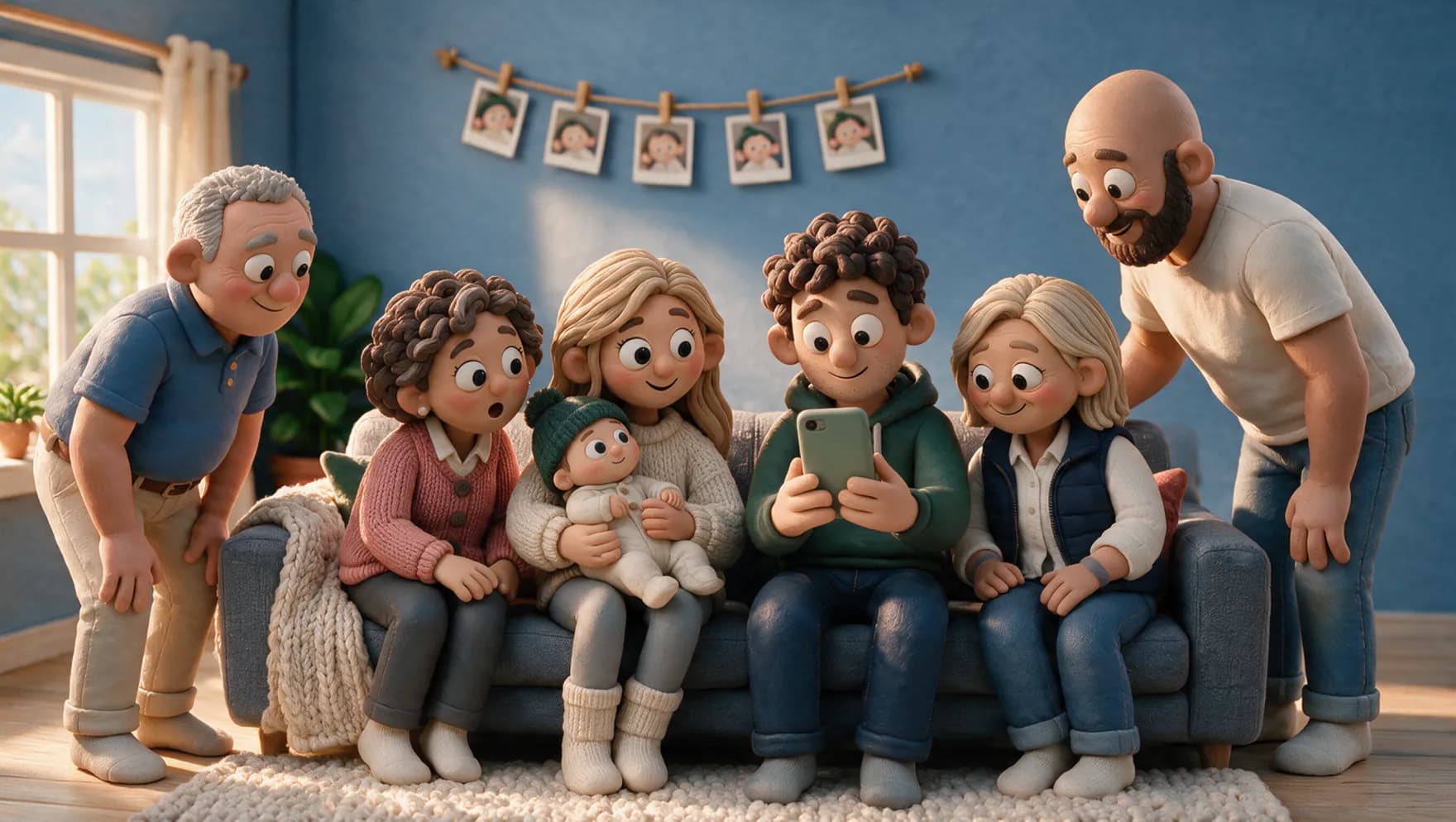
Co-parents, blended families, grandparents on both sides. Everyone gets their own private space.
Coming soon
Soon you’ll make a baby photo book in the app from the moments you share, with the milestones and what the family wrote. You pick a cover and look it over; we print it and send it to you.
from €49.95 including shipping
For 24 pages, hardcover, 21 × 21 cm. Each extra page is €0.50. Delivered in the Netherlands.
See the photo book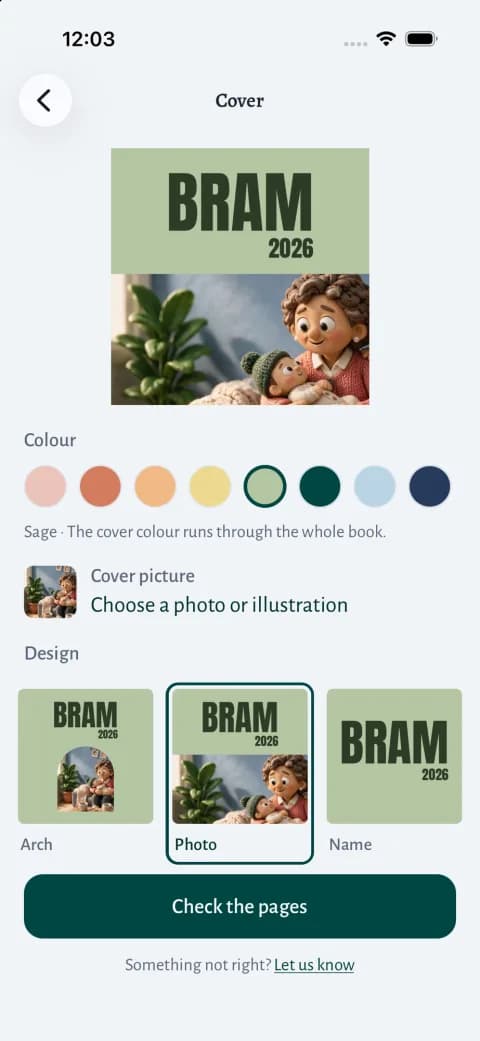
FAQ
Only the people you invite. There are no public profiles, no search and no ads. Each moment is visible to your family and to the groups you choose to share it with.
An invite link works once and expires after 14 days. If it gets forwarded after someone has used it, the next person can’t do anything with it. You can always withdraw an invite that is still open, and remove someone who is already following from the group.
Your photos and data are stored in the European Union, in Germany, and only travel over an encrypted connection. There are no Google or Meta trackers in the app or on this site. You can export or delete all of it from the app at any time.
Yes. Share a moment with one or more private groups. Each group sees only its own likes and comments, and you see them all.
No. They get an invite, create an account with that email address, and your moments are waiting for them. There is nothing to set up.
No, an account of their own. The invite is a link, but after that they see every new moment in the app, a year from now too. They can leave a heart or a comment, and you see what they wrote.
Yes. Add your due date and we moments counts the weeks, then switches to your baby’s age once they’re born.
The essentials of we moments are free. For more storage and full-length video there is Unlimited, an optional subscription. A printed baby photo book of your moments is coming too, from €49.95 for 24 pages, including shipping. More about the photo book
Can’t find your answer? Email us at support@we-moments.com
The first year goes fast. Keep it somewhere private, with the people who will treasure it. Free on iPhone and Android.
Rather use your computer? Open the web app